
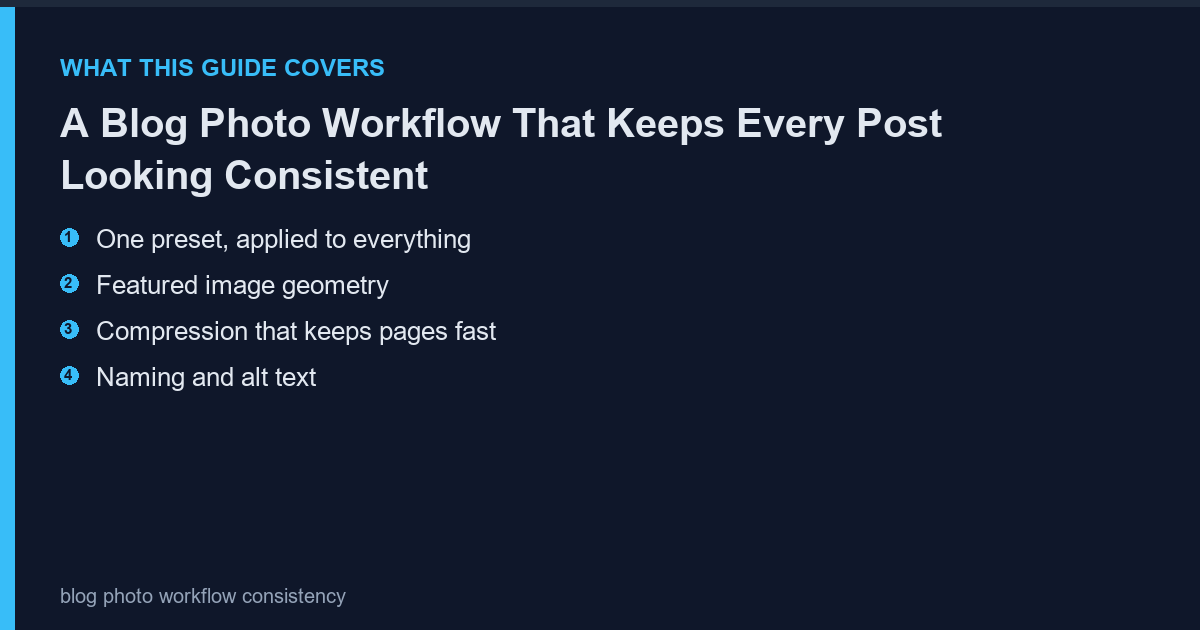
Blogs drift visually because every post is edited differently. A single preset and a fixed featured-image size makes a hundred posts look like one publication, and it takes ten minutes to set up.
One preset, applied to everything
Set white balance, contrast and sharpening once, save it, and apply it to every image. Individual correction is only for images that break the preset, which is rare.
- White balance neutral
- Contrast modest
- Sharpening light
Featured image geometry
Pick one size and one ratio for every featured image. Mixed ratios break the archive layout and slow the page as the browser recalculates.
| Use | Size | Ratio |
|---|---|---|
| Featured image | 1200 x 630 | 1.91:1 |
| In-post image | 800 px wide | Any |
| Thumbnail | 400 x 225 | 16:9 |
Compression that keeps pages fast
Export at quality 80 to 85 for photographs and 90 for anything with text. Check the file size: a 400 KB featured image is fine, a 2 MB one is not.
- Quality 80-85 for photos
- Quality 90 for graphics with text
- Target under 200 KB per image
Naming and alt text
Name files descriptively and write alt text that describes the image rather than repeating the post title. Both help search and both take seconds.
- Descriptive filename
- Alt text describes the image
- No keyword stuffing
The batch pass
When a post has eight images, apply the preset and the export size in one batch rather than one at a time. The batch resize and rename handles the folder in a single pass, which is the difference between a habit and a chore.
Frequently Asked Questions
Should every post have a featured image?
Yes. It appears in archives, social shares and search results.
How many images per post?
Two to five. More slows the page and dilutes attention.
Is WebP worth it?
Yes for page speed, but keep a JPEG fallback for older clients.
Should I use stock photos?
Sparingly, and edited to match the preset. Mixed stock and original images look inconsistent without one.